Class 1, October 12
Topics: Overview and class philosophy, flash drives, toolbar layout, palettes, layers, basic selection techniques, basic vocabulary, zooming, grabbing images from the web, resizing, bitmapped vs. vector images
Reset Photoshop defaults: Apple-option-shift on Photoshop launch.
Last hour:
Use
-
marquee select
-
multiple layers
-
type tool
-
drop shadow
-
Image > Adjustments
-
filter(s)
to make a MAINE "postcard."
Class 2

Topics: Review, selection (magic wand), resizing, canvas size, transforming, layers (merging)
Project:
Use images from Barry's Clip Art to make a poster, using
-
magic wand,
-
resizing,
-
text tool,
-
eye dropper
-
canvas size,
-
transforming (flip, distort),
-
color adjustment, and, perhaps,
-
filters, and
-
crops and trims as needed
The poster should
-
be larger than the landscape it's based on,
-
have several animals (or other pasted objects) in it,
-
have a band of flat color as a background for the text,
-
have at least one thing behind something else,
-
have at least two of something that are different in size and/or color
Class 3
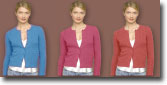
Topics: More selections (adding and subtracting), color range, saving selections, enlarging/feathering selections, color adjust, clone tool, healing tools...
Projects:
Before the break
-
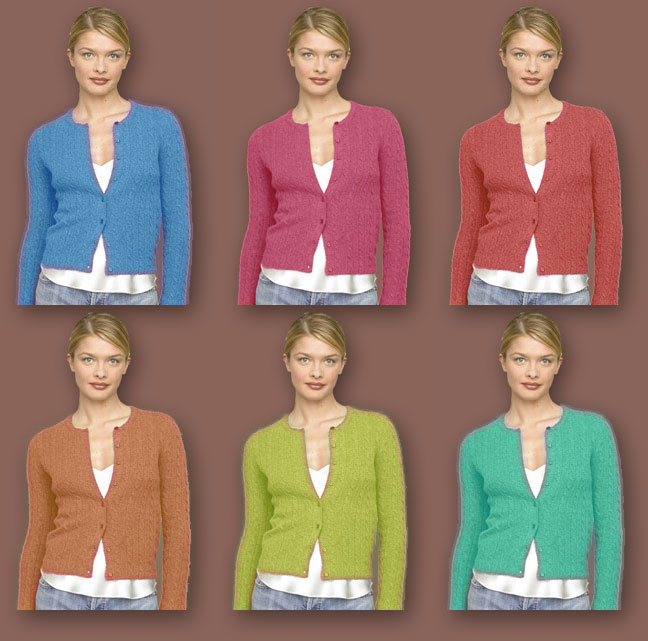
Adjust the color for a JCrew sweater stack and Wellesley cable V-neck sweaters. Build your own 3 X 2 sweater collection; the end result might look like this or this)
-
Change colors, move/delete windows/shutters on house elevations.
After the break
-
Add, subtract, move people on a beach
-
Erase someone's tatoo (a final result, courtesy of Kris)
Class 4
Topics: Pixel Night: Resolution & Cameras; B & W "Retouching"
- David Pogue
- of the New York Times has a bias similar to mine about digital camera resolution. Under pressure (with more information?), he retreats a bit. Interesting.
- Two Photomanagers:
- iPhoto
- Macintosh photo manager. Integrates well with Photoshop.
- Picasa
- Good Windows clone of iPhoto. Now owned by Google.
- Two Web Pages to Check Out:
- Top 7 Digital Camera Newbie Mistakes to Avoid
- Yep. All good, true, and pretty well explained.
- Understanding Digital Camera Resolution
- Pretty high-end stuff. Read if you're really interested.
Projects:
1: Camera Show and Tell
2: Investigate and master Image > Image Size... and Save for Web... so that you are comfortable with 1) resolution (see B&H Guide and KodakGallery help page) and 2) jpeg compression issues.
3: Experiment with
- Image > Adjustment > Levels...
- Image > Adjustment > Curves...
- Dodge and Burn Tools, and
- re-touching tools from last week
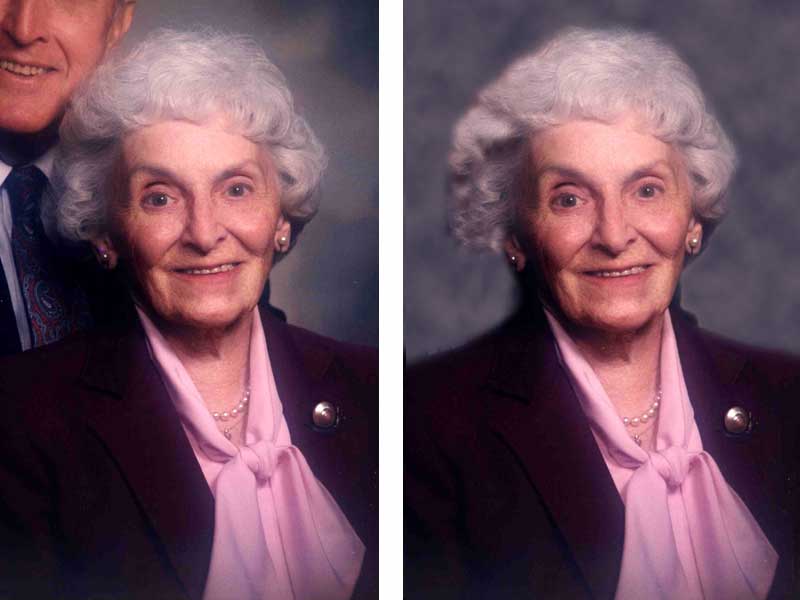
to improve images at the Argus Project (sample from Sears Tower Flash 120 Model 7 page before and after).
Class 5

Topics: Resolution/Compression Revisited; Software Order, Adjustment Layers, Filters, Quick Mask
Resolution/Compression:
"Screenshots" of a Canon PowerShot A510 to show typical menuing system for adjusting camera resolution and compression.
Projects:
Class 6
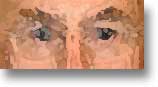
Topics: Tutorial: Chapter 5 (Masks and Channels); "Express yourself"
Projects:
Tutorial
-
Adobe Classroom in a Book, Chapter 5 — pdf (control-click to force download) and files for tutorial (files only available from Mt. Ararat machines).
"Express Yourself"
( Sample retouch file. )
Grab the high-resolution picture of yourself (or of me, if you can't stand to look at yourself all night). Crop it into a square. Dupe it so you have a spare.
Then, EXPLORE, using tools you already know (and a couple new ones):
-
Take away the wrinkles, crow's feet, liver spots, gray hair (close tool? blur tool?.
-
Change your eye color.
-
Add a third eye.
-
Give yourself a black eye with the Burn tool; get rid of the circles under your eyes with the Dodge tool.
-
Use the Liquify tool on the edges of your mouth to create a smile or frown. (Use light brush pressure, less than 20.)
-
Extract yourself and then fill the background with clouds (Filter > Render > Clouds)
-
Make two versions of yourself, one with two left faces (flip one), one with two right faces.
Then, EXPLORE, using Image > Adjustments >:
-
Start first with Variations... to get your eye adjusted to how Photoshop thinks about color.
-
Then try your hand at all the adjustments in the top section of the menu.
-
Try adjustments with only part of the image selected: your face/your clothes/the background.
Finally, EXPLORE the world of Filters:
-
Try Artistic, Brush Strokes, Sketch.
Finally finally, REPLACE YOUR FACE
-
With somebody else's...
- (And jump to Google for tutorials and suggestions on retouching faces. I did a search on gaussian blur complexion and learned all sorts of tricks.)
Class 7
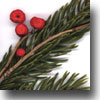
Topics: Scanning (see Scantips for more info); working with type; locking transparency, transform (skew, etc.), lighting effects.
Project:
Make a one or two cards or invitations or posters from a scan; use type, layers, hand-created dropshadow.
Sample cards
- FernCard.pdf, 290k
- JacobsLadderCard.pdf, 476k
- Lupin.pdf, 299k
- RabbitRabbit.pdf, 500k
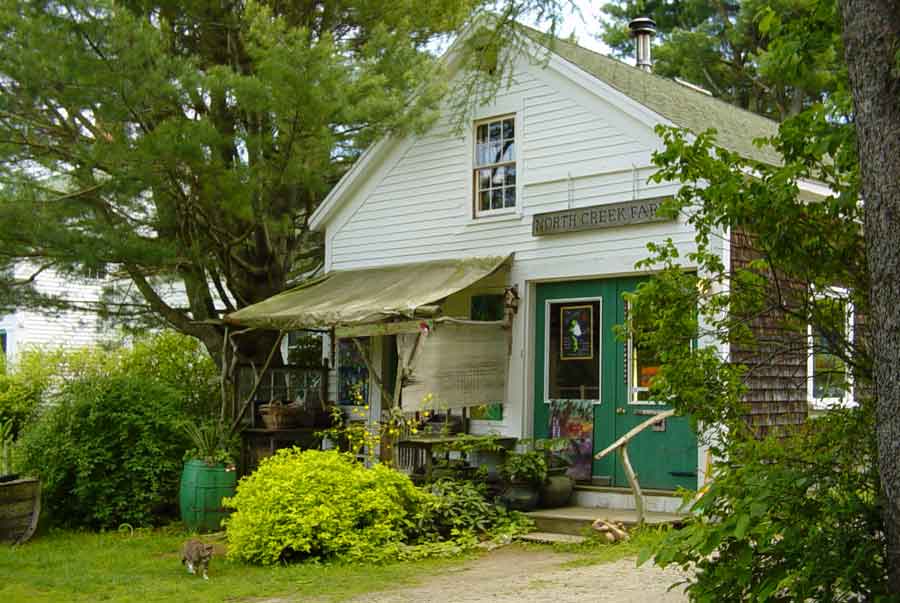
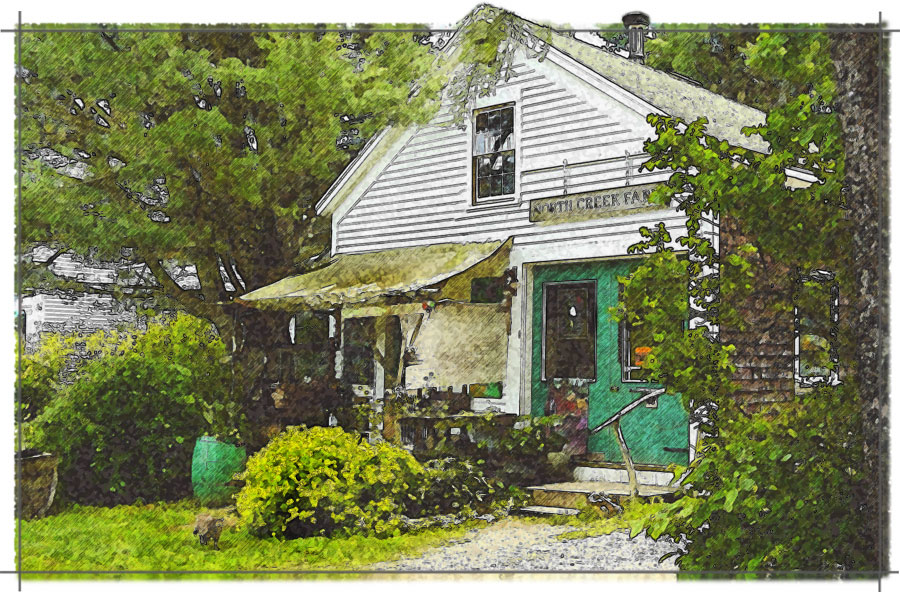
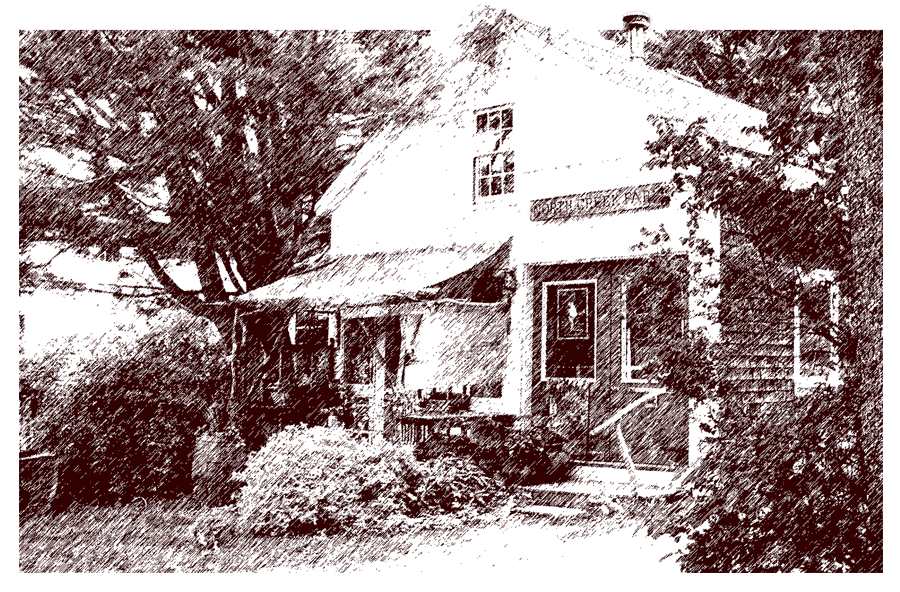
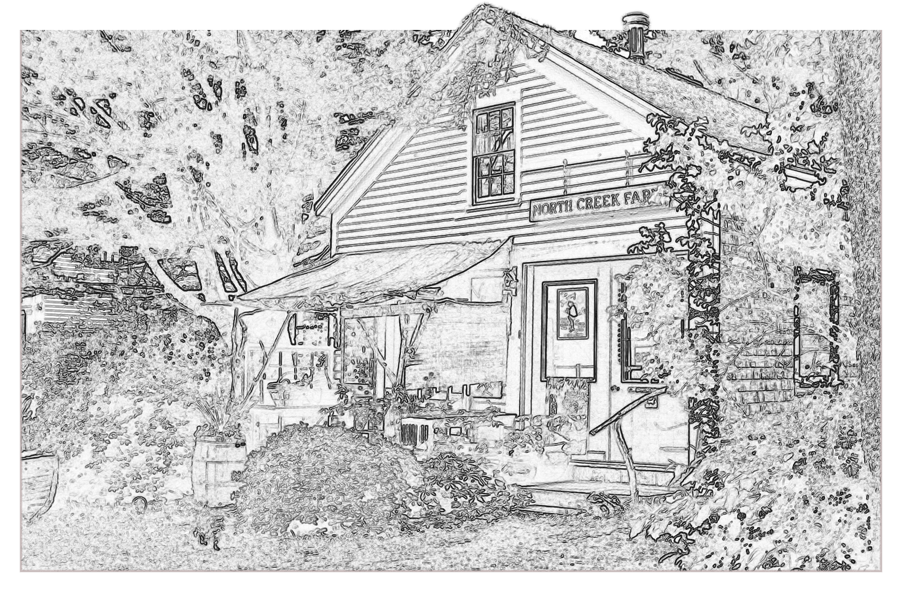
North Creek Farm -- multi-filtered photo
- NorthCreekPhoto.jpg, 60k
- NorthCreekFarmFiltered.jpg, 224k
- NorthCreekFarmWatercolor.jpg
- NorthCreekFarmGraphicPen.gif
- NorthCreekFarmFindEdges.gif
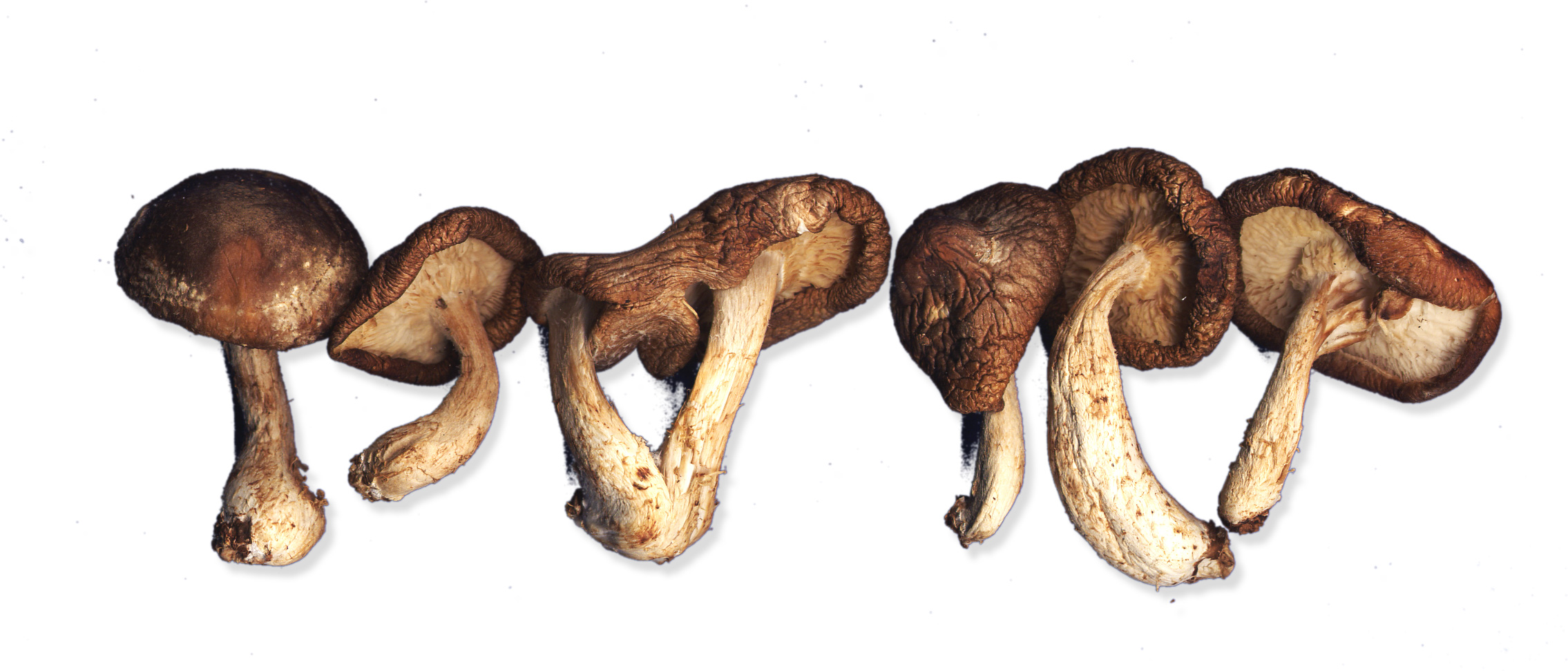
Scans to use...
- Pine and Red Berry
- Rosa Rugosa
- Mushrooms
Class 8

Topics: Colorizing black and white images; choosing file types.
Projects:
- Scanning catch-up class.
- Use multiple filters and layers to create "handmade" image from photo. (See North Creek Farm series from last class.)
- Find a b&w image online to "hand tint." Quick tutorial here. "Two Farms" sample here.
Class 9

Topics: Output filetypes; work with Photoshop tutorials on the web; work on personal projects; explore the web for Photoshop tutorials.
Projects:
Personal projects and/or
Photoshop tutorials (maybe try Planet Photoshop; demo tonight based on "Basic Compositing," near the bottom).
Class 10
Topics: File types; Adobe Classroom in a Book, Chapter 17 (Web Animation); 15 extra hours; mop up.
Projects:
- Adobe Classroom in a Book, Chapter 17 — pdf (control-click to force download, if you want to be able to save the pdf for printing out at home).
- Web tutorials.
- Personal projects.
"Portfolio" tools:
|